Business application
Warehouse management
Inventory, locations and stock movements in one application, with permissions by role and a barcode scanner for working right at the shelf.
What needed solving
Running a warehouse means linking every item to its location and recording every change in stock. That information had to come together so inventory and movements lived in the same tool.
What we built
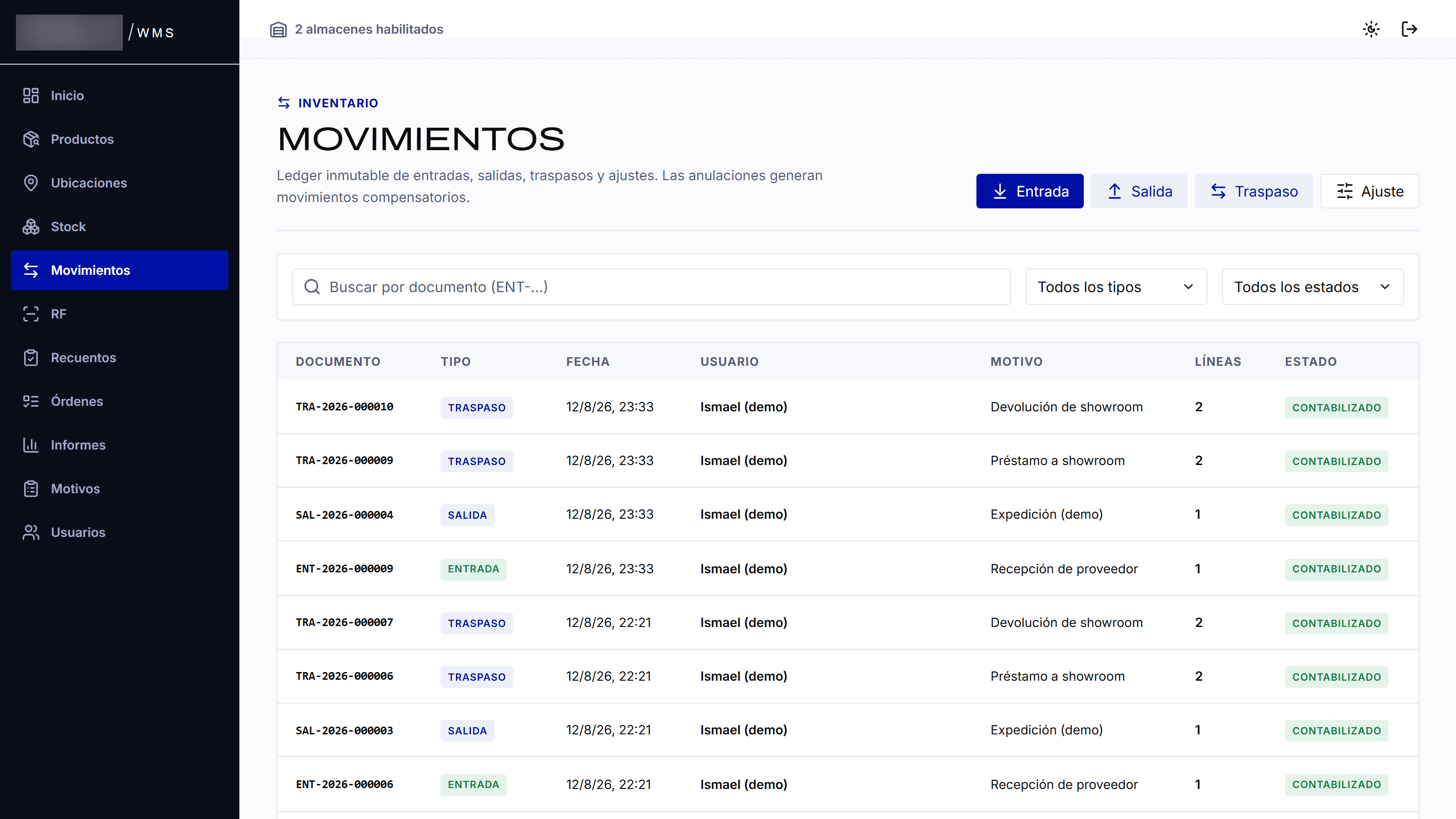
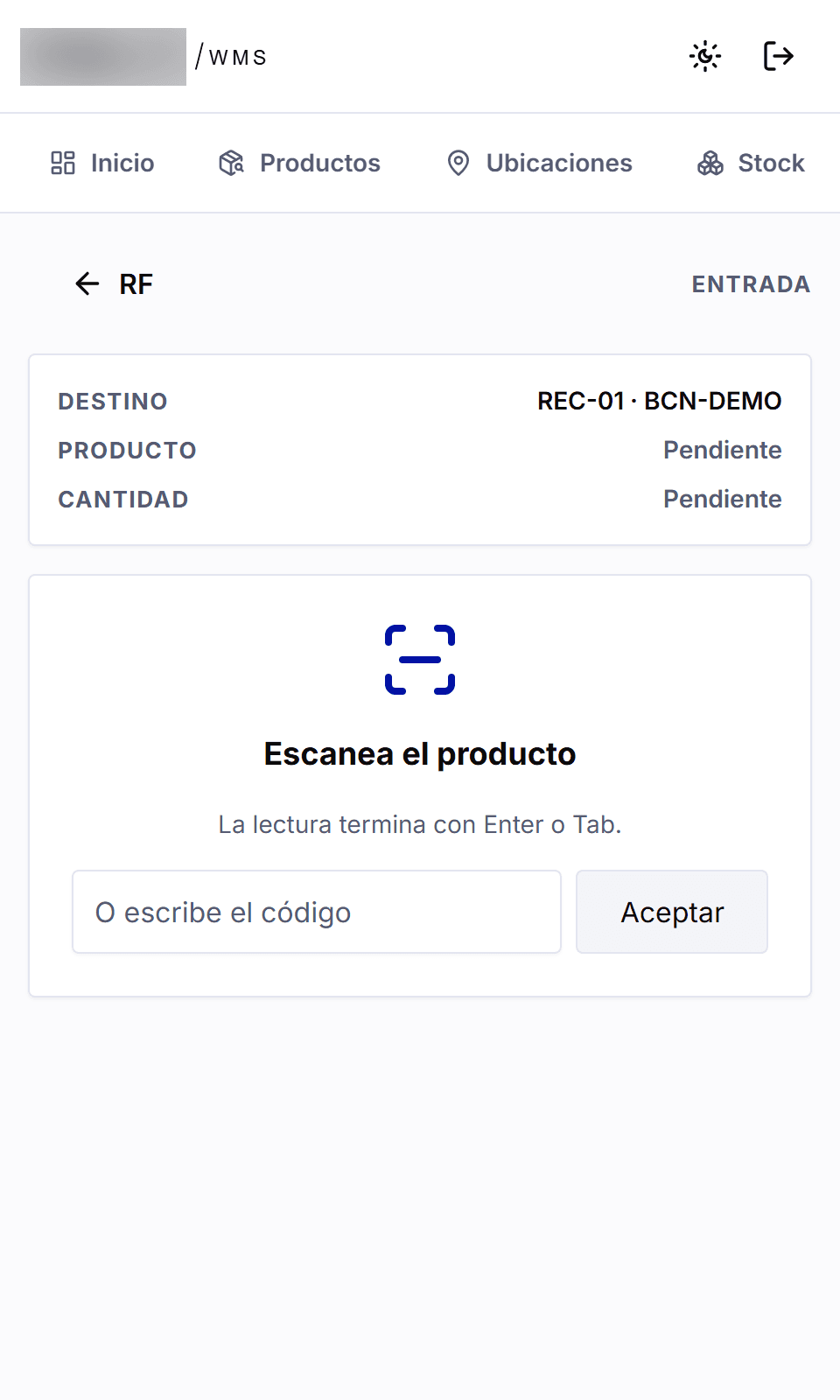
A web application with inventory, locations, incoming goods and movements, plus a barcode scanner for working inside the warehouse itself. Each person only sees what is relevant to their job.
- Products and items
- Warehouse locations
- Incoming goods and receiving
- Movements, transfers and adjustments
- Inventory counts
- Orders and reports
- Barcode scanning with a handheld scanner or a phone
- Permissions by role
Up close
Why we built it this way
Stock is never typed in by hand: it is the sum of every recorded incoming and outgoing movement. If something is voided, a correcting movement is added and the original stays, so you can always see how the current figure came about.
For another business: Before building a management tool, it helps to describe one concrete path: what comes in, where it goes, who moves it and how it is recorded. That path defines a useful first version and the integrations the business really needs.
Need something similar?
Tell us what you need to find, record or coordinate in your day-to-day work.